In my article about GitHub Copilot billing and the FinOps wake-up call, I argued that AI developer tooling is moving away from the open-bar feeling. AI credits, premium models, overages and per-team rules are becoming operational topics. While American tools are becoming more structured financially, Chinese alternatives are moving fast.
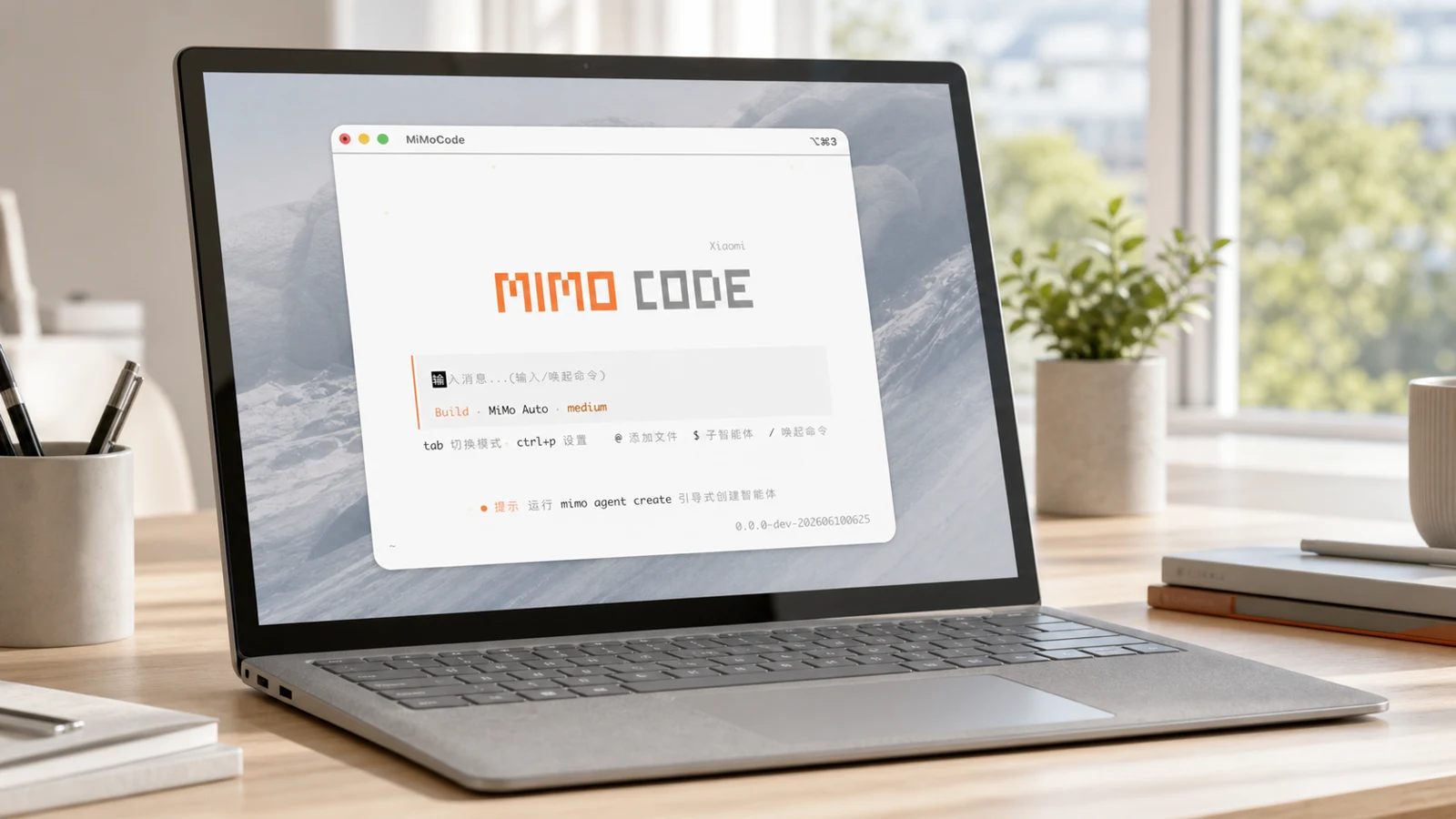
DeepSeek already shook the market. Qwen is getting serious for coding agents. Kimi and GLM keep pushing long-context workflows. On June 10, 2026, Xiaomi joined the race with MiMo Code V0.1, an open-source terminal coding agent bundled with MiMo V2.5, a multimodal model available free for a limited time.
MiMo Code is still V0.1. I would test it on a secondary project before treating it as a drop-in replacement for Claude Code or Codex on a critical codebase.
Why MiMo Code lands at the right time
The timing matters. Copilot is becoming more financially explicit, but also more constrained. Claude Code remains excellent, but long agentic sessions can become expensive. Cursor, Windsurf, OpenCode, Codex and others all want to become the primary interface between developers and codebases.
MiMo Code enters exactly that battlefield. The GitHub project describes an agent that can read and write code, run commands, manage Git, keep persistent memory, and recover project context across sessions. That is the same category as Claude Code, OpenCode and Codex.
It also confirms the point from my 2026 LLM coding comparison: the winning setup will not always be one tool. It will be a pragmatic mix of quality, cost, context, sovereignty, speed and workflow fit.
What is MiMo Code?
MiMo Code is a command-line coding agent. It is open source under the MIT license, built as a fork of OpenCode, and adds long-memory features, subagent orchestration, intelligent context management, Compose mode, session goals, and self-improvement commands such as /dream and /distill.
The product promise is aggressive: very long context, accumulated project memory, context compression, test/review/validation loops, spec-to-plan-to-build-to-report workflows, voice input through MiMo ASR, and Claude Code compatibility for reusing parts of existing skills, MCP servers, commands and configuration.
| Capability | Field reading |
|---|---|
| MiMo Auto free for a limited time | Great for testing without an API key, but not a permanent free-tier promise. |
| Claude Code import | Interesting if you already rely on skills, MCP and terminal-agent habits. |
| Persistent memory | The project documents MEMORY.md, checkpoints and notes to avoid relearning the project every session. |
| Compose mode | A more structured workflow: specification, plan, implementation, validation and report. |
| Custom providers | You can connect OpenAI-compatible providers beyond the MiMo channel. |
Install MiMo Code on Windows with WSL2
Xiaomi provides an npm command for native Windows, but for serious development I recommend WSL2. That is also how I work: I prefer keeping the agent inside an isolated Linux environment, closer to my servers, and avoiding a command-running tool touching my whole Windows system directly. It is not a perfect sandbox, but it is a cleaner and safer frame for testing without breaking everything.
wsl --install -d Ubuntu
wsl --set-default-version 2
wsl -l -v
Inside Ubuntu WSL, update the environment:
sudo apt update && sudo apt upgrade -y
sudo apt install -y curl git build-essential ca-certificates
Then install MiMo Code with the official Mac/Linux command, which is the right path inside WSL2:
curl -fsSL https://mimo.xiaomi.com/install | bash
exec $SHELL -l
mimo
Important detail: you also need to create an account on the Xiaomi MiMo website. After launching mimo in the terminal, run /connect to link your Xiaomi account to this machine. Without that step, you will not really be able to start working with MiMo Auto and the hosted capabilities.
/connect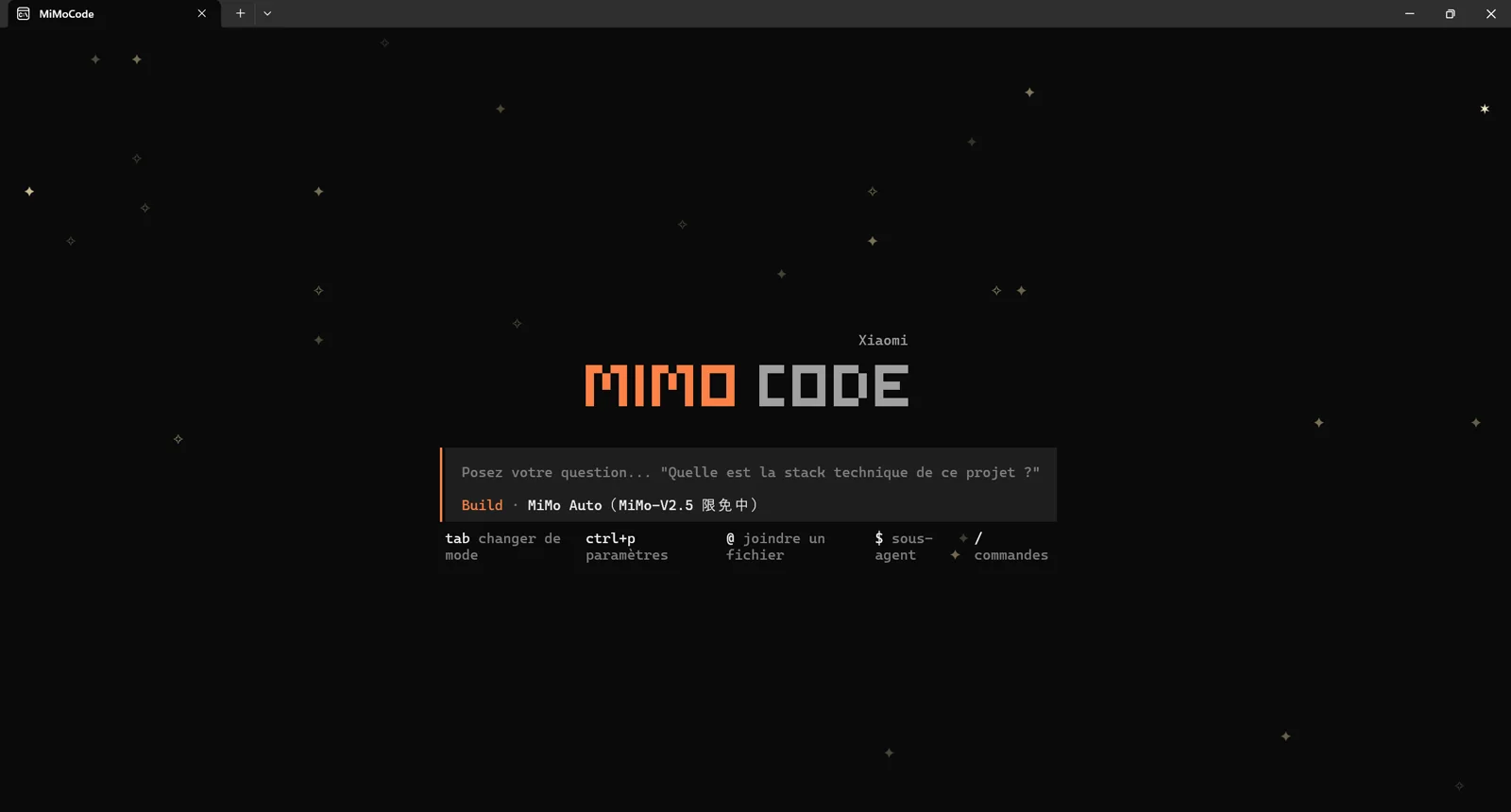
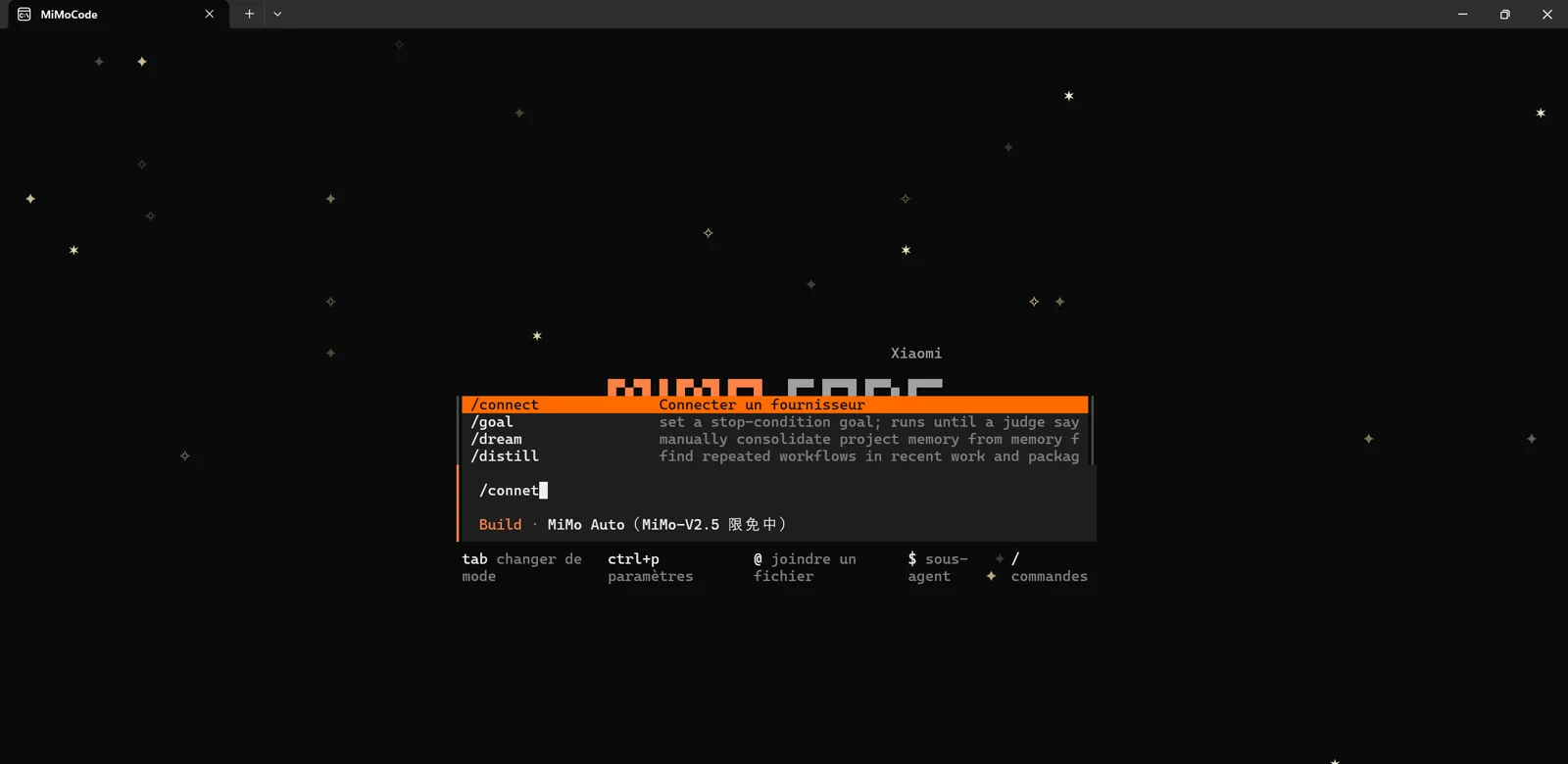
/connect command opens the connection flow between the local machine and the Xiaomi MiMo account.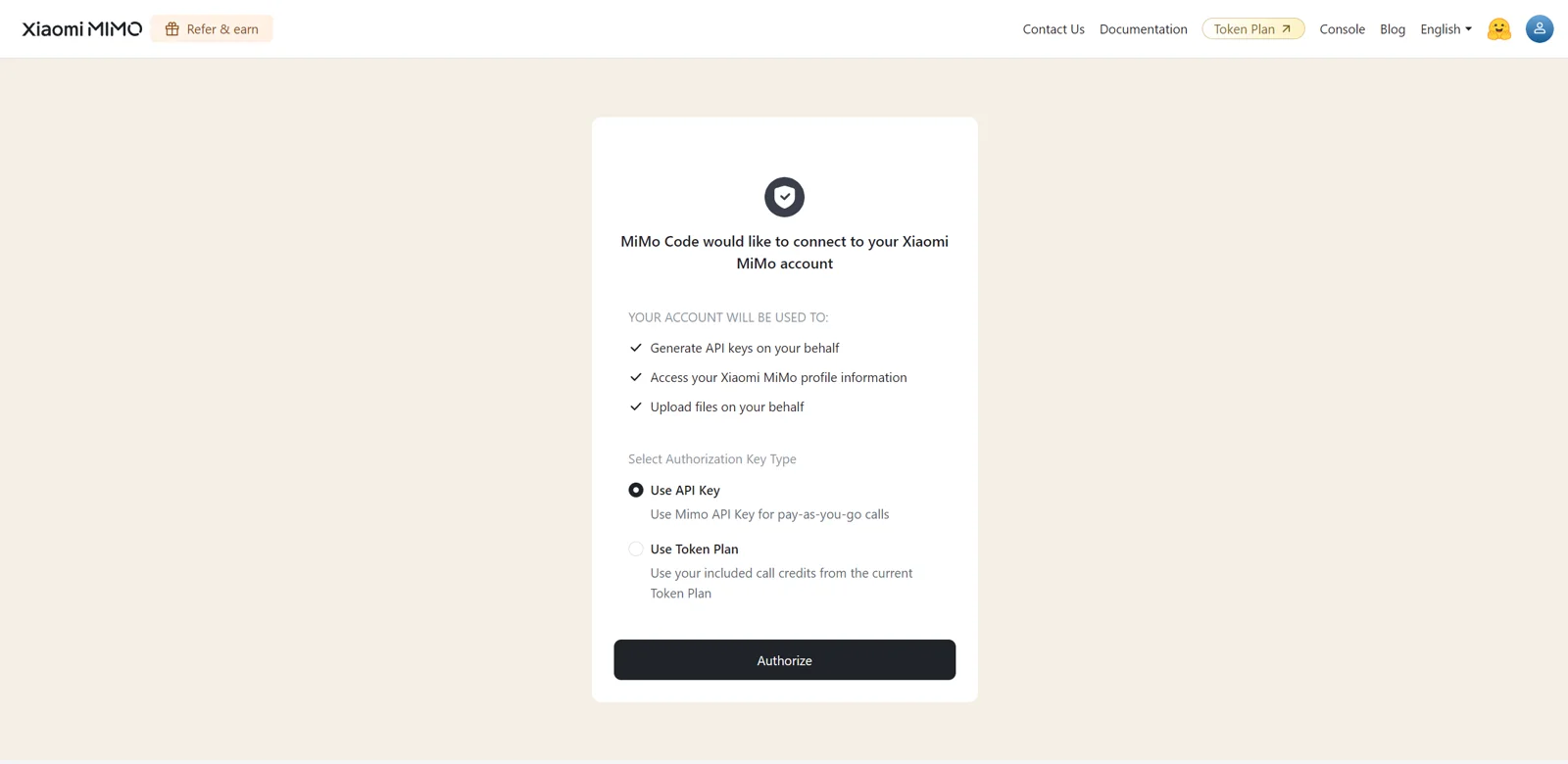
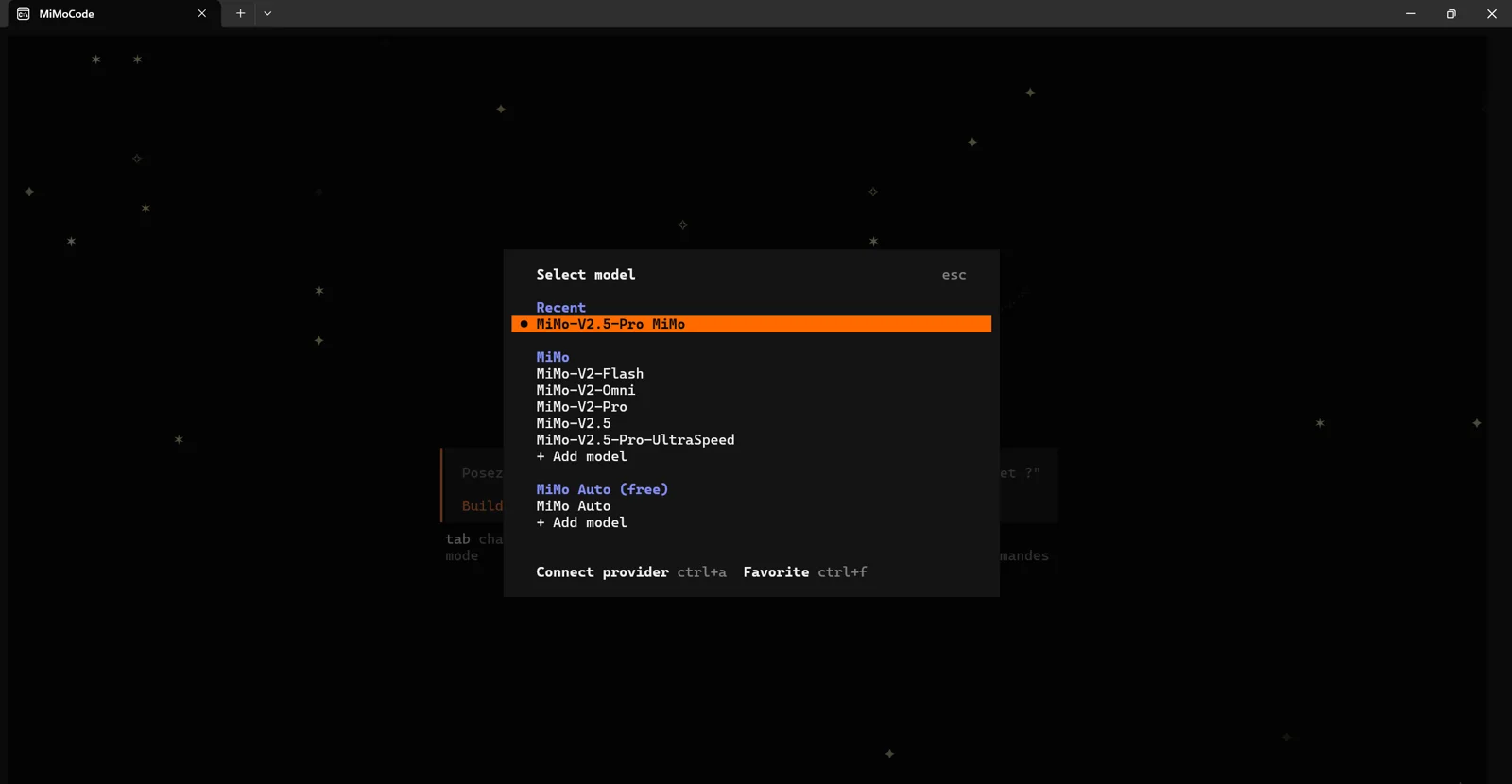
If you want to try native Windows anyway, the published command is:
npm install -g @mimo-ai/cliAnd on Linux?
On Linux, it is the same as WSL2 without the Windows layer:
curl -fsSL https://mimo.xiaomi.com/install | bash
cd ~/my-project
mimo
The first launch guides configuration. According to the README, options include MiMo Auto, Xiaomi MiMo Platform, import from Claude Code, and a custom OpenAI-compatible provider. In practice, plan for the Xiaomi account creation step and run /connect to associate the local session with your account.
First launch in a project
Start with a non-destructive task. You want to evaluate analysis quality before allowing file edits.
Analyze this project, explain its architecture, list useful commands and propose an onboarding plan. Do not modify any file.Then try a small planning task:
Draft a short specification for adding a settings page. Give me the plan, files to touch and risks, but wait for my approval before writing.Field test with the Antigravity prompt
To compare MiMo Code with another recent agent, I reused the same prompt from my article on Gemini 3.5 in Antigravity 2.0. The idea was not to ask for a toy todo app, but for a full premium guest-house landing page with art direction, responsive behavior, booking module and interactions.
Tu es un agent de développement front-end senior.

Objectif :
Créer une landing page moderne, responsive et premium pour une maison d’hôtes / location de vacances, avec un module de réservation simple et une direction artistique chaleureuse, élégante et immersive.

Contexte :
Le site doit donner envie de réserver un séjour dans une maison d’hôtes haut de gamme, située dans un cadre naturel ou patrimonial. L’expérience doit rassurer, mettre en valeur le lieu, les chambres, les services et faciliter la réservation.

Stack souhaitée :
- HTML, CSS et JavaScript vanilla
- Code propre, structuré et maintenable
- Aucun framework obligatoire
- Compatible desktop, tablette et mobile
- Design responsive
- Animations légères et fluides

Pages / sections attendues :

1. Header
- Logo fictif de la maison d’hôtes
- Navigation claire : Accueil, Chambres, Expériences, Galerie, Avis, Réserver
- Bouton CTA visible : “Réserver maintenant”
- Header sticky avec léger effet au scroll

2. Hero dynamique
- Grande image immersive en arrière-plan
- Titre fort, par exemple : “Une parenthèse élégante au cœur de la nature”
- Sous-titre court et rassurant
- CTA principal : “Vérifier les disponibilités”
- CTA secondaire : “Découvrir la maison”
- Effet visuel moderne : overlay, léger mouvement, fade-in ou parallax doux
- Prévoir une image générée ou simulée représentant une belle maison d’hôtes moderne, chaleureuse, avec jardin, piscine ou terrasse

3. Module de réservation
Créer un vrai bloc de réservation visible dès le haut de page :
- Date d’arrivée
- Date de départ
- Nombre de voyageurs
- Type de chambre
- Bouton “Rechercher”
- Validation simple en JavaScript
- Afficher un message de confirmation ou d’erreur selon les champs remplis
- Design premium, clair et facile à utiliser

4. Section présentation
- Présenter la maison d’hôtes en quelques paragraphes courts
- Mettre en avant : calme, confort, charme local, petit-déjeuner, proximité des activités
- Ajouter 3 à 4 badges de confiance : Wi-Fi, Parking, Petit-déjeuner inclus, Piscine / Jardin

5. Section chambres
- Créer 3 cartes de chambres :
  - Chambre Jardin
  - Suite Terrasse
  - Chambre Familiale
- Chaque carte doit contenir :
  - Image
  - Nom
  - Description courte
  - Prix à partir de
  - Bouton “Voir la chambre”

6. Section expériences
- Mettre en avant les activités :
  - Petit-déjeuner maison
  - Balades et nature
  - Détente au jardin
  - Découverte du patrimoine local
- Utiliser des icônes simples ou illustrations légères

7. Galerie
- Grille d’images élégante
- Images représentant la maison, les chambres, le jardin, la terrasse et les petits-déjeuners
- Prévoir des placeholders propres ou générer des visuels cohérents
- Ajouter un effet hover moderne

8. Avis clients
- 3 témoignages clients
- Note moyenne affichée, par exemple 4.9/5
- Design rassurant et premium

9. CTA final
- Bandeau immersif avec fond image ou dégradé
- Texte : “Prêt à réserver votre prochaine escapade ?”
- Bouton : “Réserver mon séjour”

10. Footer
- Coordonnées fictives
- Liens utiles
- Réseaux sociaux
- Mentions légales
- Rappel du CTA de réservation

Direction artistique :
- Style moderne, premium, chaleureux, naturel
- Palette recommandée :
  - Beige clair / sable
  - Vert sauge
  - Blanc cassé
  - Brun doux
  - Accent doré ou terracotta
- Typographies élégantes :
  - Serif moderne pour les titres
  - Sans-serif lisible pour les textes
- UI avec cartes arrondies, ombres douces, espaces généreux
- Ne pas faire un design froid ou trop corporate

Images :
- Créer ou simuler des images cohérentes avec le thème :
  - Maison d’hôtes lumineuse
  - Chambre élégante
  - Terrasse au soleil
  - Petit-déjeuner artisanal
  - Jardin / piscine / nature
- Les images doivent être visuellement cohérentes entre elles
- Utiliser des prompts d’image intégrés dans le code sous forme de commentaires si la génération réelle n’est pas possible

Interactions JavaScript :
- Menu mobile
- Header qui change légèrement au scroll
- Validation du formulaire de réservation
- Message de confirmation après recherche
- Animation légère d’apparition des sections au scroll
- Option bonus : mini-calcul approximatif du prix selon les nuits et le type de chambre

Exigences techniques :
- Fournir tous les fichiers nécessaires :
  - index.html
  - style.css
  - script.js
- Code bien commenté
- Structure claire
- Aucun bug console
- Accessibilité de base :
  - boutons explicites
  - contrastes corrects
  - alt sur les images
  - navigation clavier correcte
- Performance correcte :
  - images optimisées ou placeholders propres
  - animations légères

Critères d’acceptation :
- La landing page doit être visuellement professionnelle dès le premier écran
- Le module de réservation doit être utilisable
- Le rendu mobile doit être propre
- Le hero doit avoir un impact visuel fort
- Le design doit donner envie de réserver
- Le code doit être prêt à être repris par un développeur
- Le résultat doit pouvoir servir de base à un vrai site vitrine de maison d’hôtes

Livrable attendu :
Génère directement le code complet des 3 fichiers :
1. index.html
2. style.css
3. script.js

Ne te contente pas d’une maquette statique : crée une vraie landing page fonctionnelle avec interactions.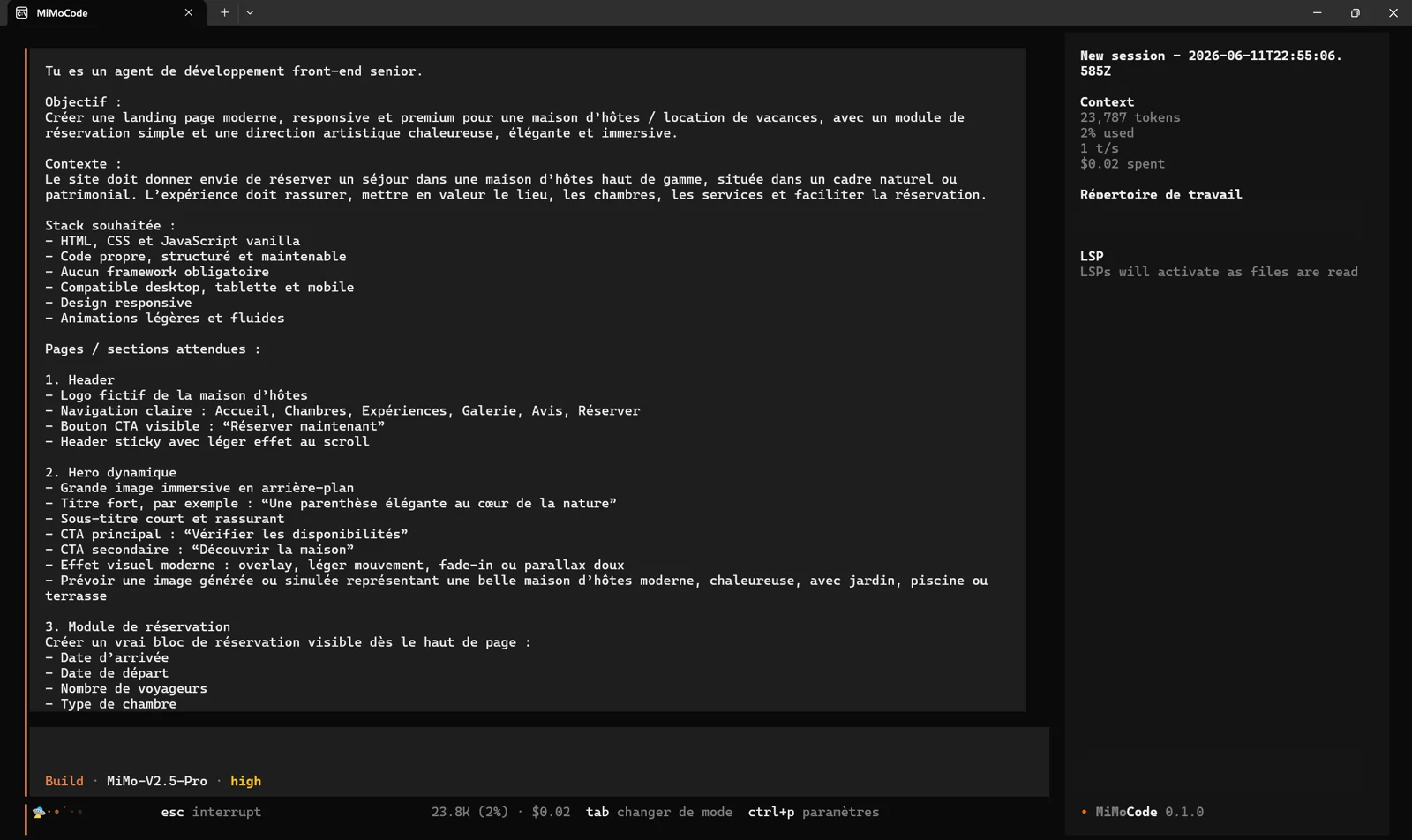
On this first try, MiMo Code handles a long structured prompt properly. The interesting part is the workflow: after the Xiaomi connection and model selection, you can launch a real generation brief in the WSL2 terminal, with session context and estimated cost visible.
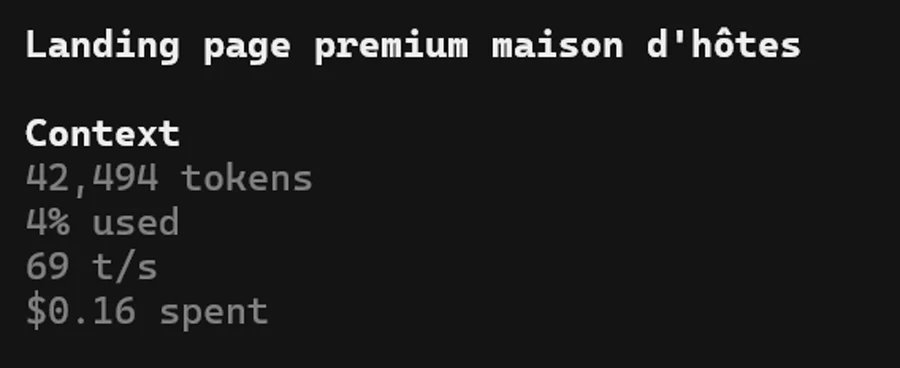
For a concrete order of magnitude, generating this landing page cost me $0.16. MiMo Code showed 42,494 context tokens, 4% of the window used, and a speed around 69 t/s. The output matched the prompt: three files, index.html, style.css and script.js.
| File | Lines | Size | Role |
|---|---|---|---|
index.html | 433 | 24.9 KB | Landing page structure, sections, content and booking form. |
style.css | 1,034 | 21.4 KB | Art direction, responsive layout, animations and visual states. |
script.js | 193 | 7.3 KB | Interactions, navigation, form logic and micro-behaviors. |
My take: test it, but stay sober
MiMo Code checks many boxes: open source, terminal-native, memory, long context, multiple providers, Claude Code compatibility and temporary free access. Xiaomi clearly wants a seat in the coding-agent race.
But this is V0.1. It may look great in a demo and still be rough in a real repository. Test it on a side project, compare it with Claude Code, OpenCode, Codex or Copilot, and watch three things: diff quality, instruction-following, and real cost once the free window closes.
The good news is that competition is getting excellent. The harder news is that choosing a coding agent is becoming an architecture and FinOps decision. That is healthy: we are leaving magic thinking and returning to engineering.